Comments and reactions
Keep the conversation with the work.
The conversation about a task, kept on the task, down to each subtask.
How it works
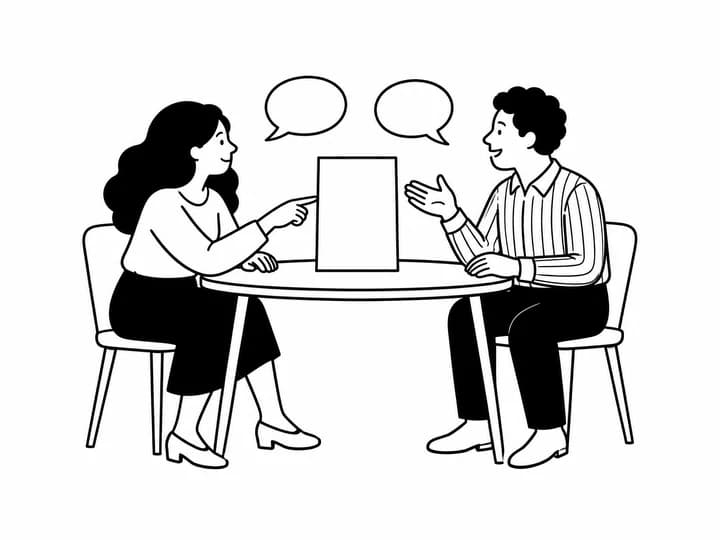
Every task carries its comments, so the question and the answer live where the work is instead of in a thread nobody can find again. Each subtask has a thread of its own: a small bubble on the row counts what has been said, and opens it right there.
They are what the project remembers: why this was pushed, what was agreed, what is still missing before it can be closed. And when a word is too much, a reaction is enough.
- Written from the task panel, your picture beside them
- A thread on every subtask, with its count on the row
- Six reactions, on the task and on each subtask; tap yours again to take it back
- A comment rings the bell of whoever carries the task, its people and whoever already spoke
- Everyone in the project reads them; you delete your own